Is there a current of future feature that would let us mark a set as “skipped”, “excluded from collecting”, something?
Basically with the new Deluxe EX update, I have no interest in opening packs. But this means that on the Overview page, it will forever show that, “You should open a Deluxe Pack: ex”. I would love for a way to mark the Deluxe EX set as skipped or “not collecting” or something so that the Overview page would display the set with the highest % from a set I’m actually interested in. Otherwise, I’ll have to always scroll down on the overview and scan for the highest % that isn’t Deluxe Pack.
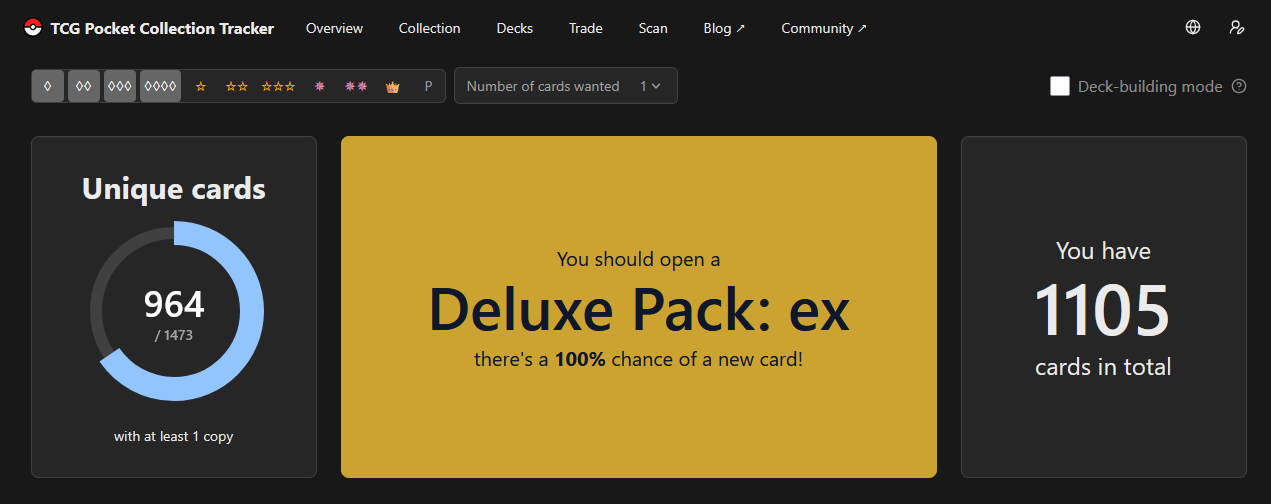
Basically, this screenshot is what I will see forever if I decide to never open a pack from this set.