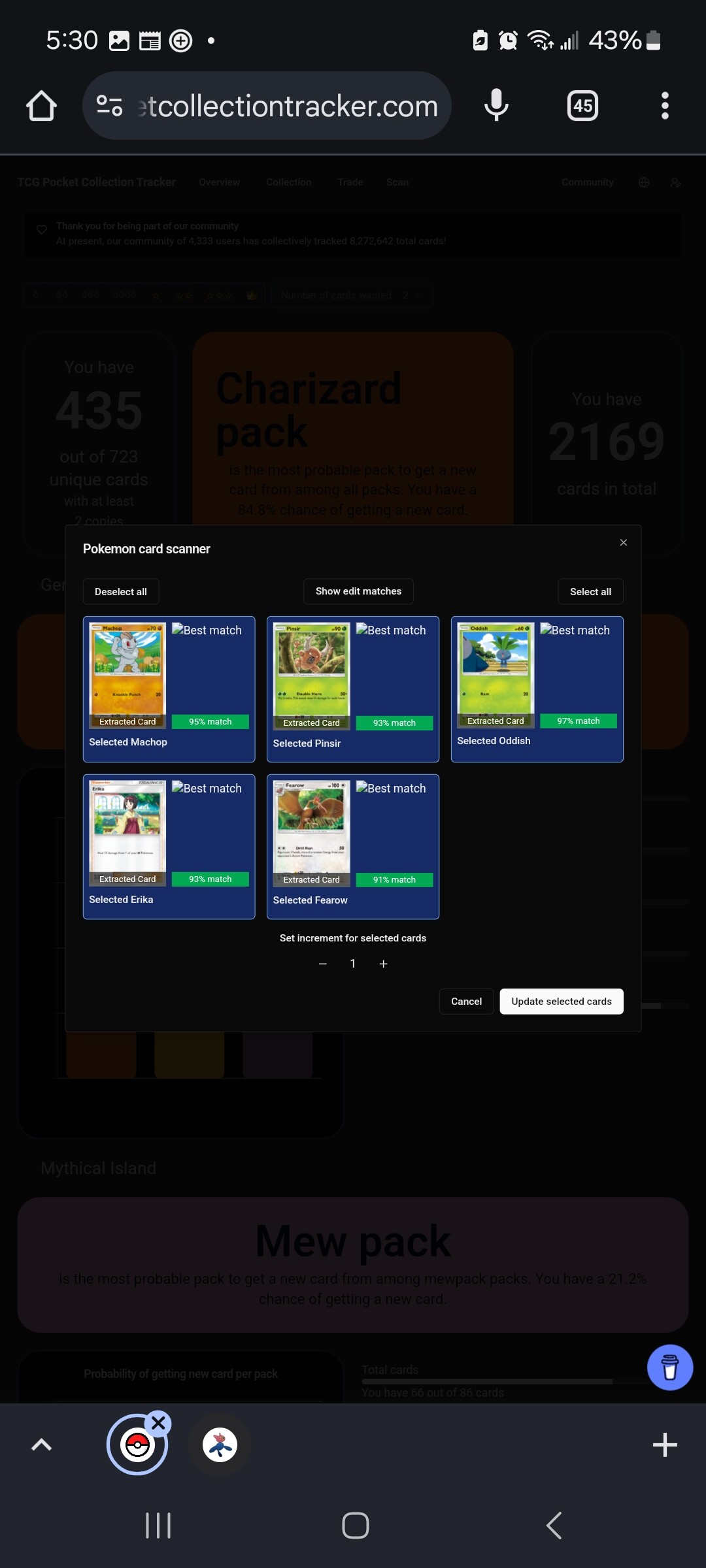
As shown in the image, when I scan a picture to add pulls to my collection, the images for the best matches show up as “image not found” icons; the names below them do suggest it’s scanning them correctly, just an issue fetching the images. Has anyone else experienced this?
I think it happened to me once or twice. I actually had also a problem where the same card would be recognized several times, is this only if the cards are in a different language?
I will try to show the problem on the next pack.
Here are the options presented.
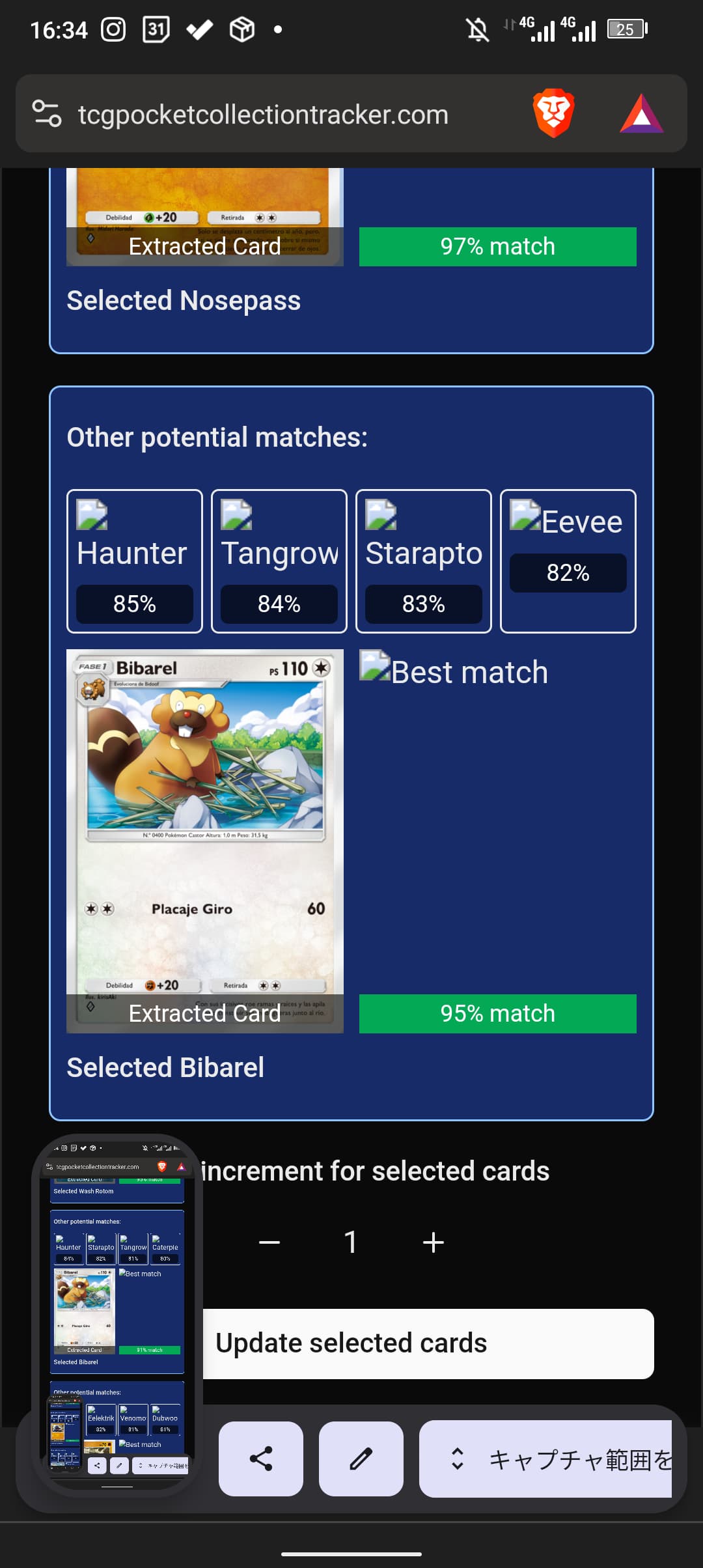
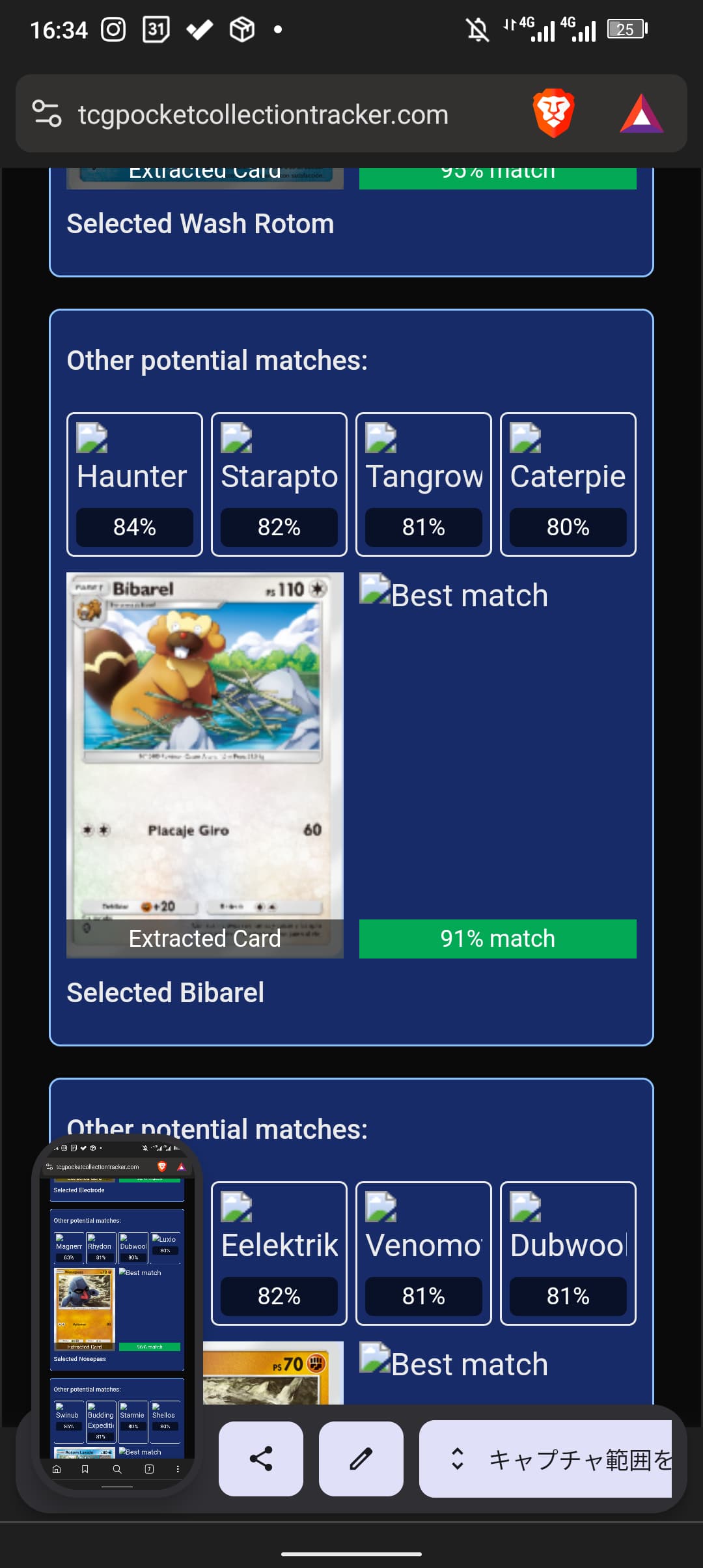
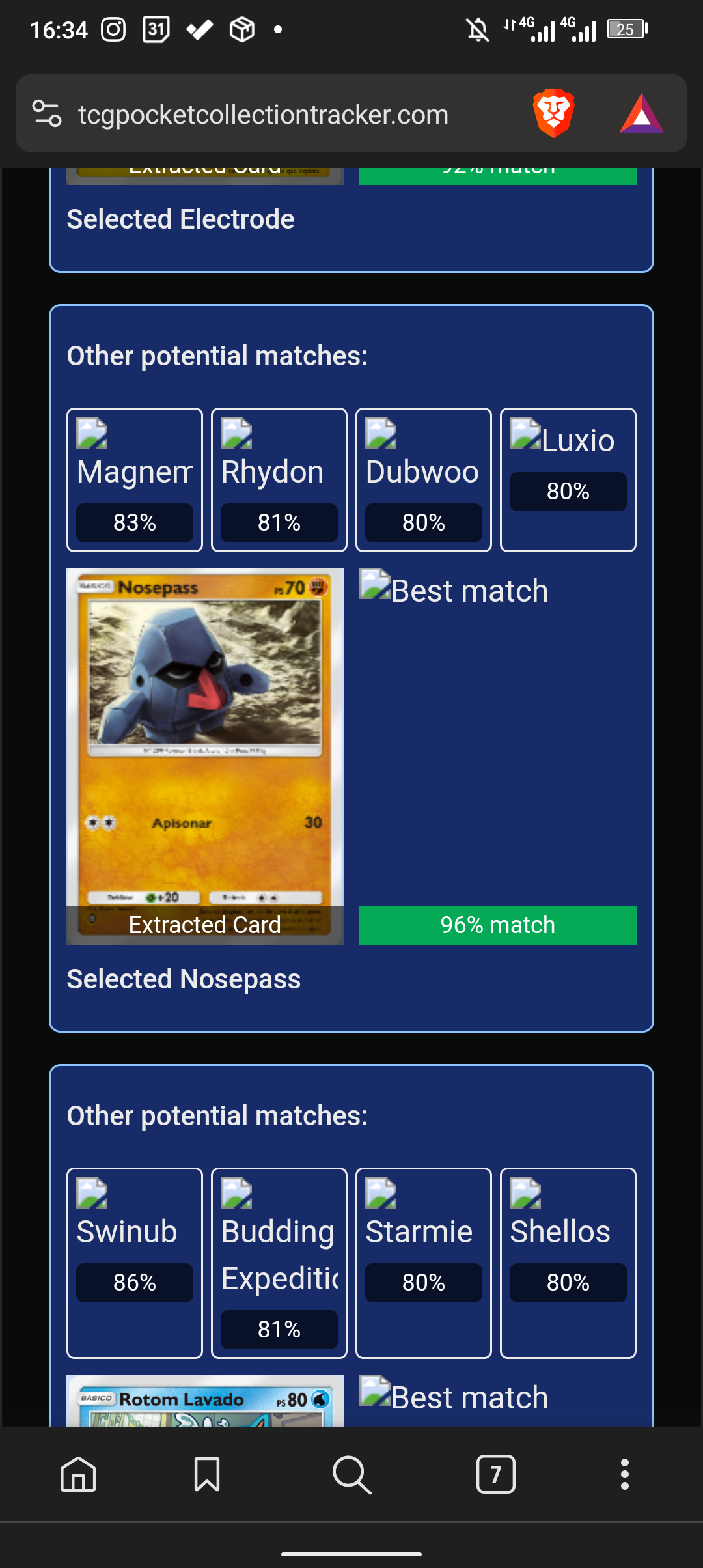
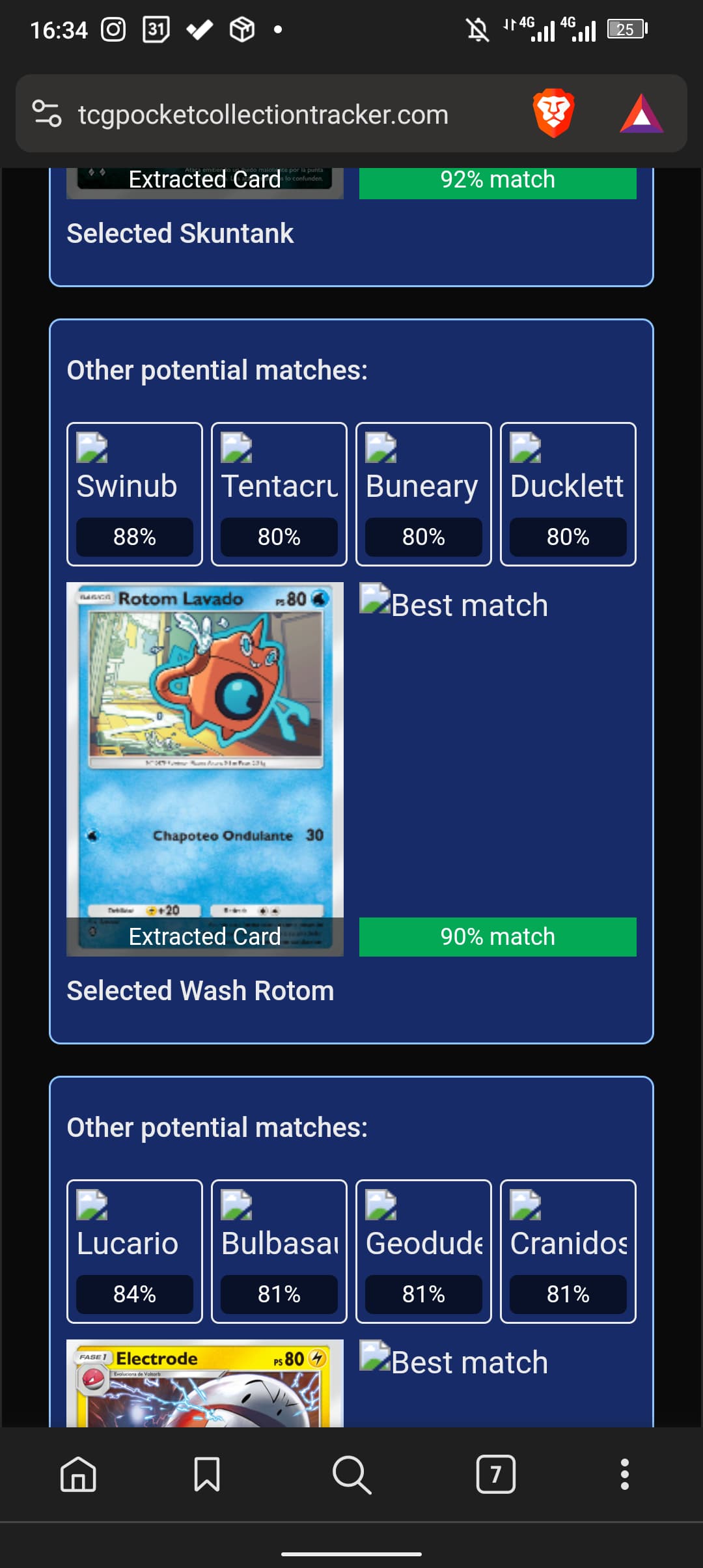
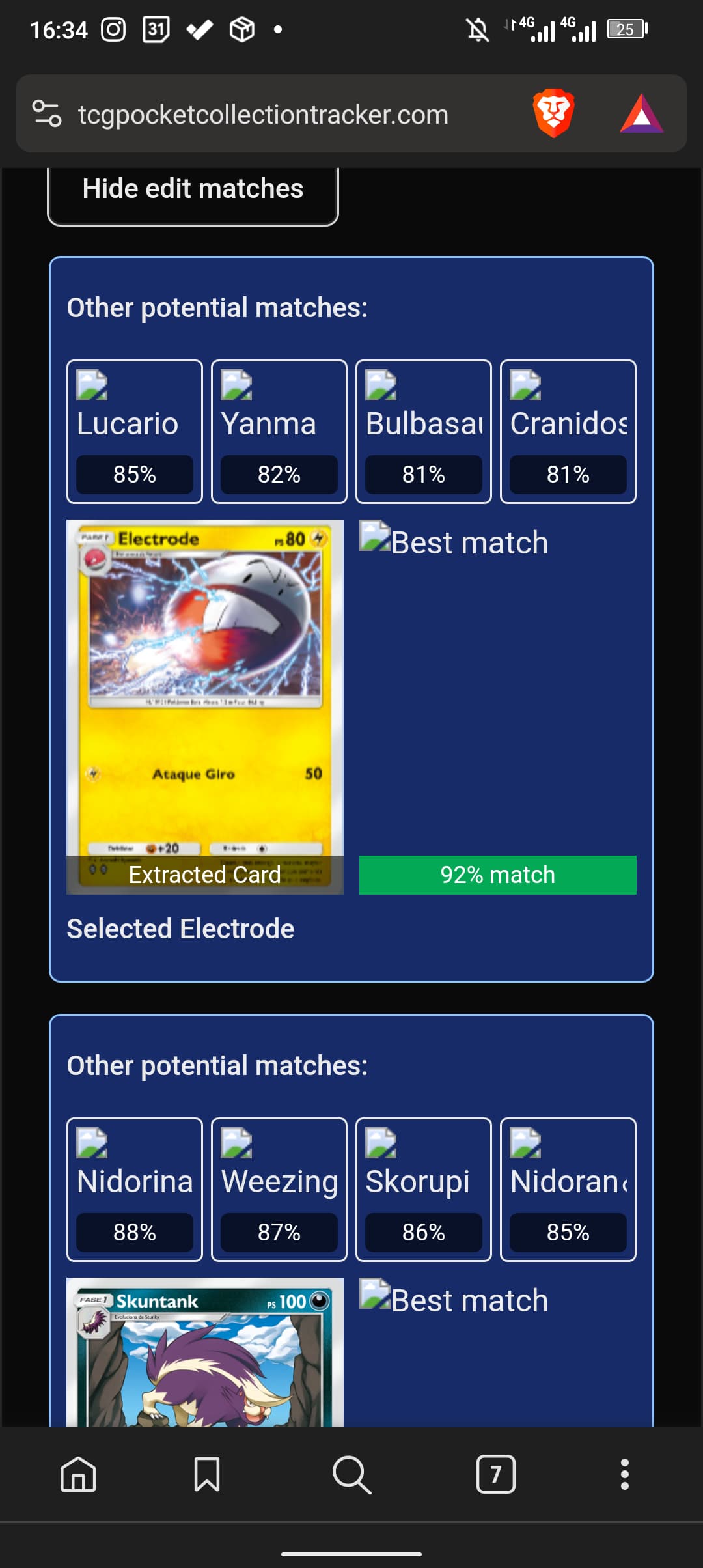
here is the uploaded images.
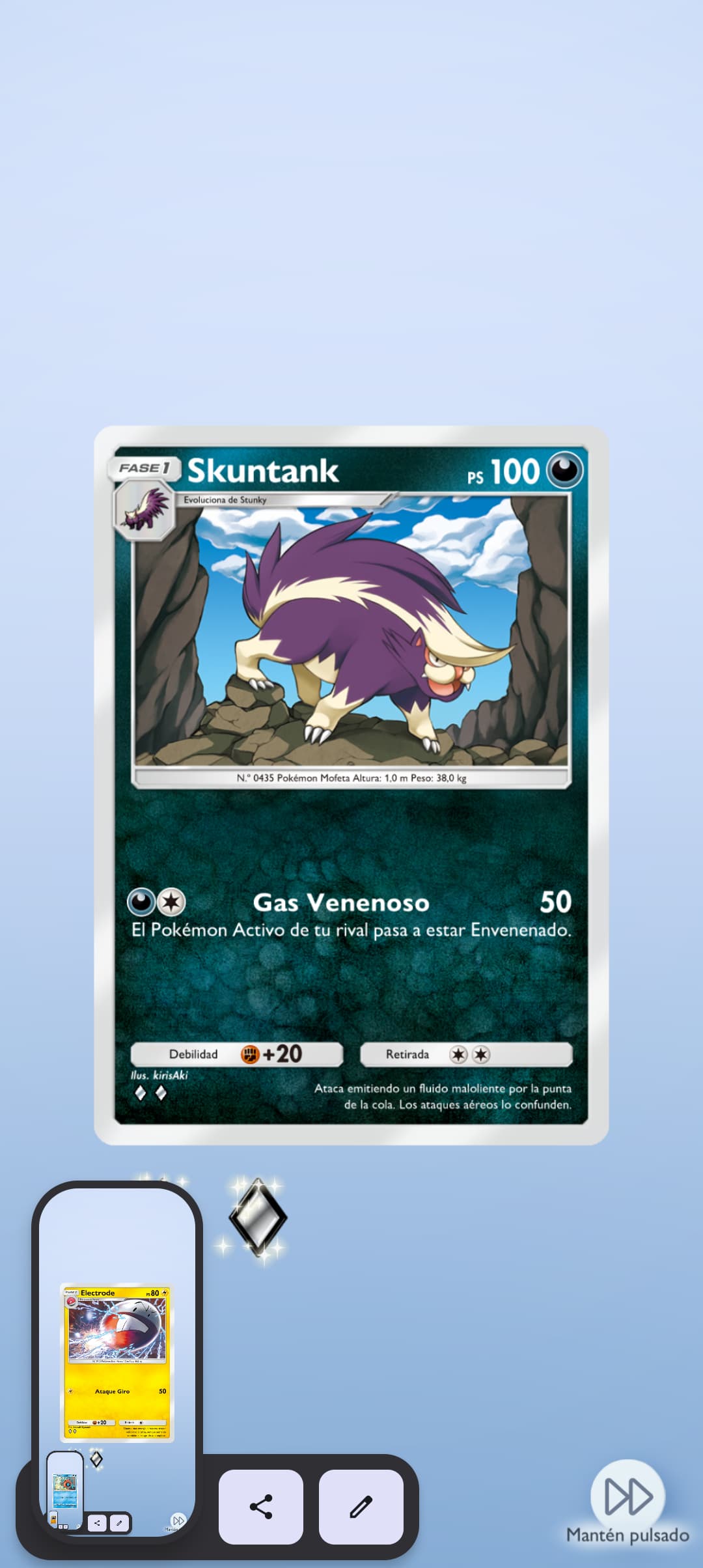
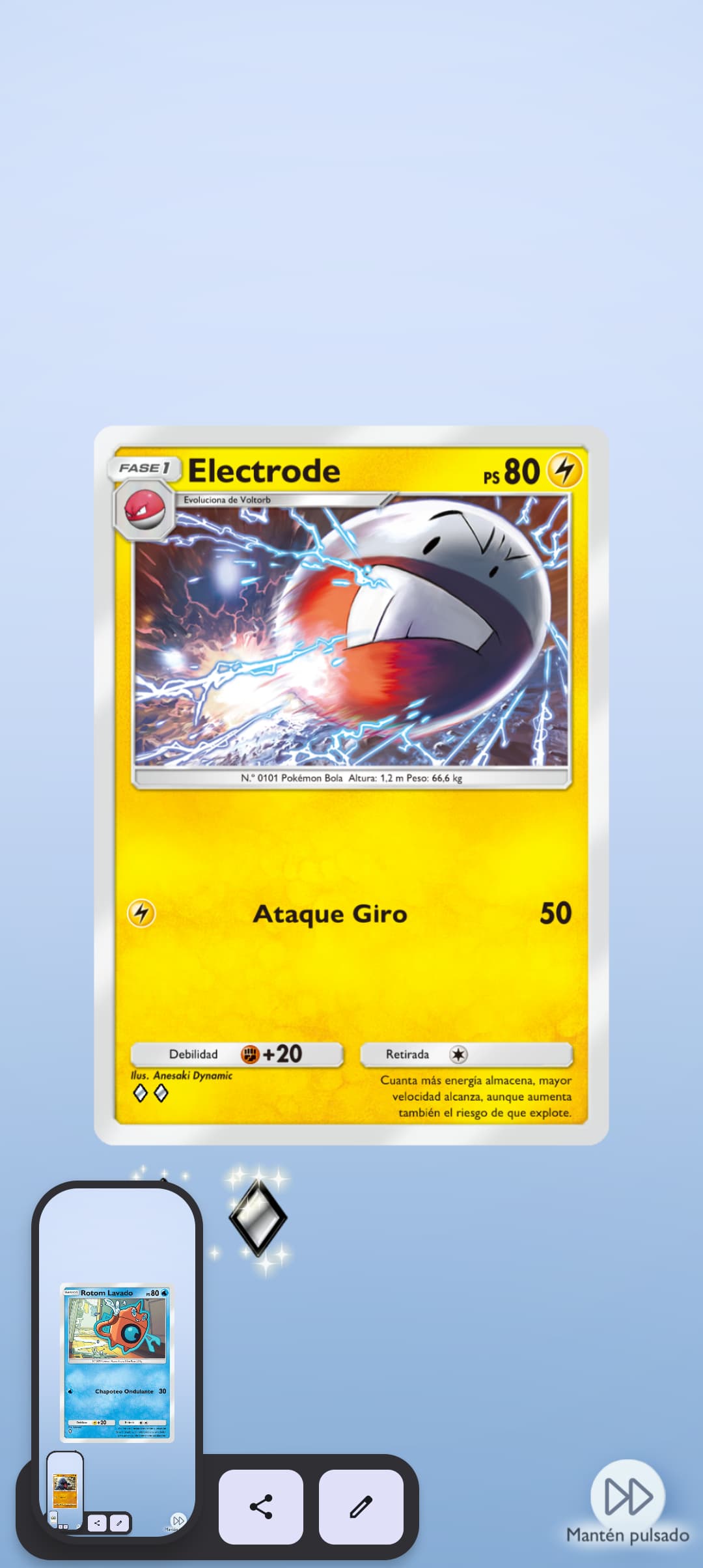
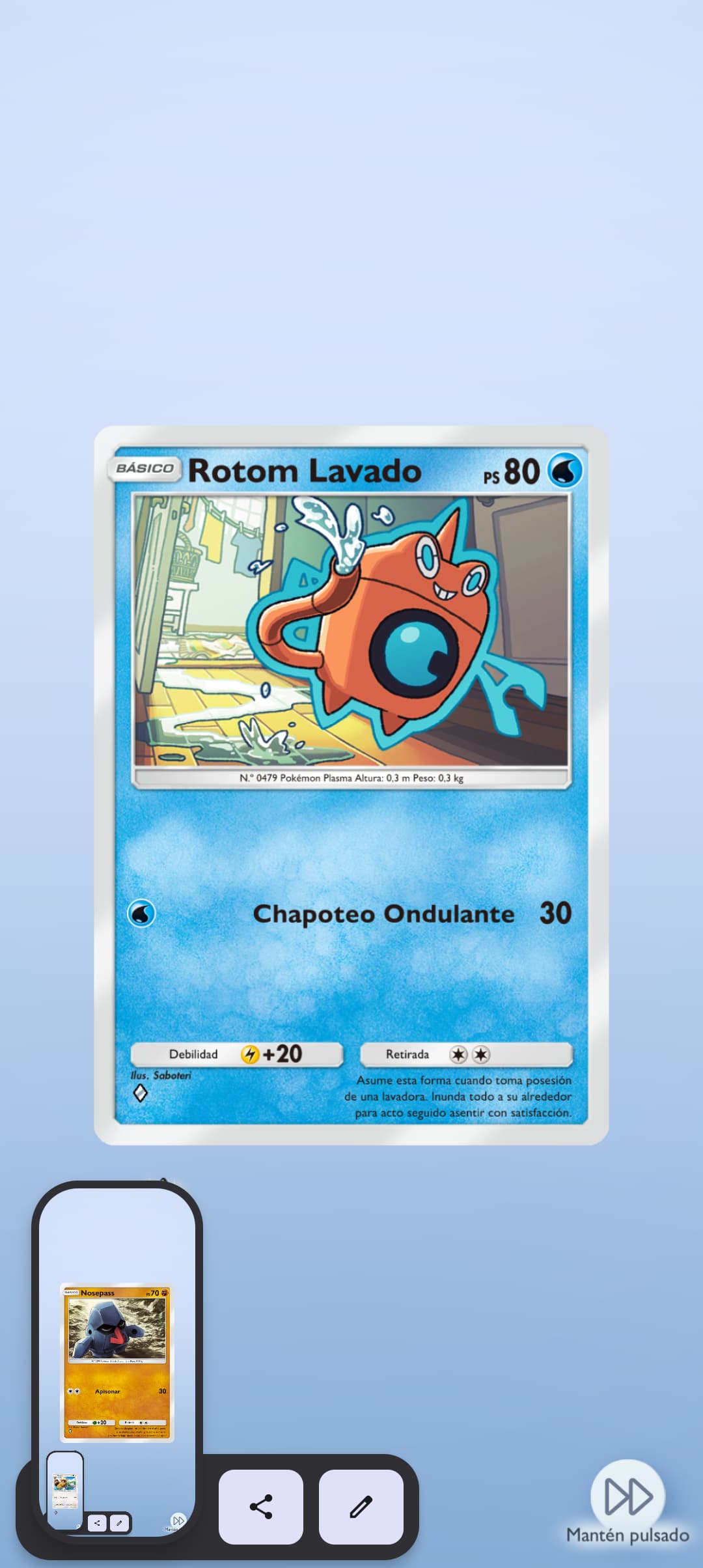
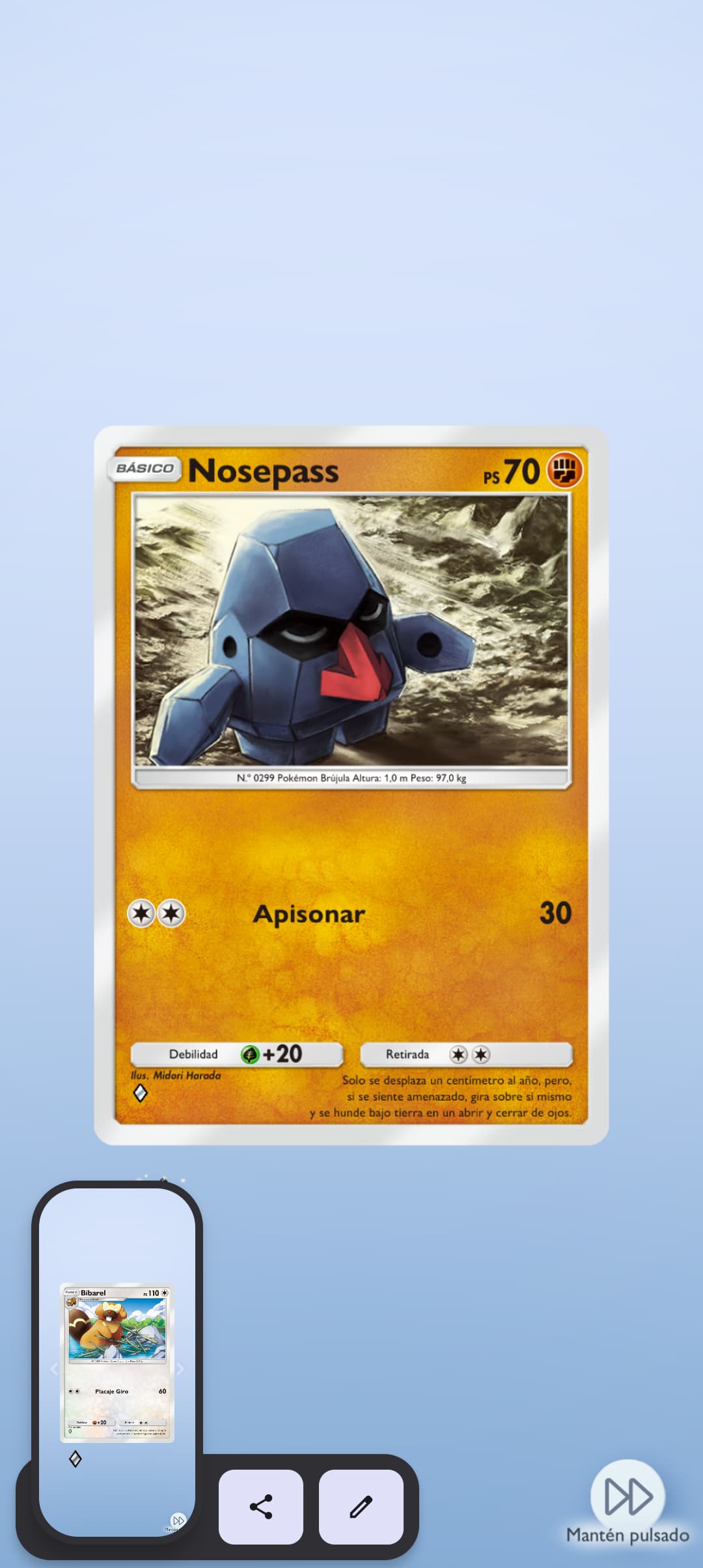
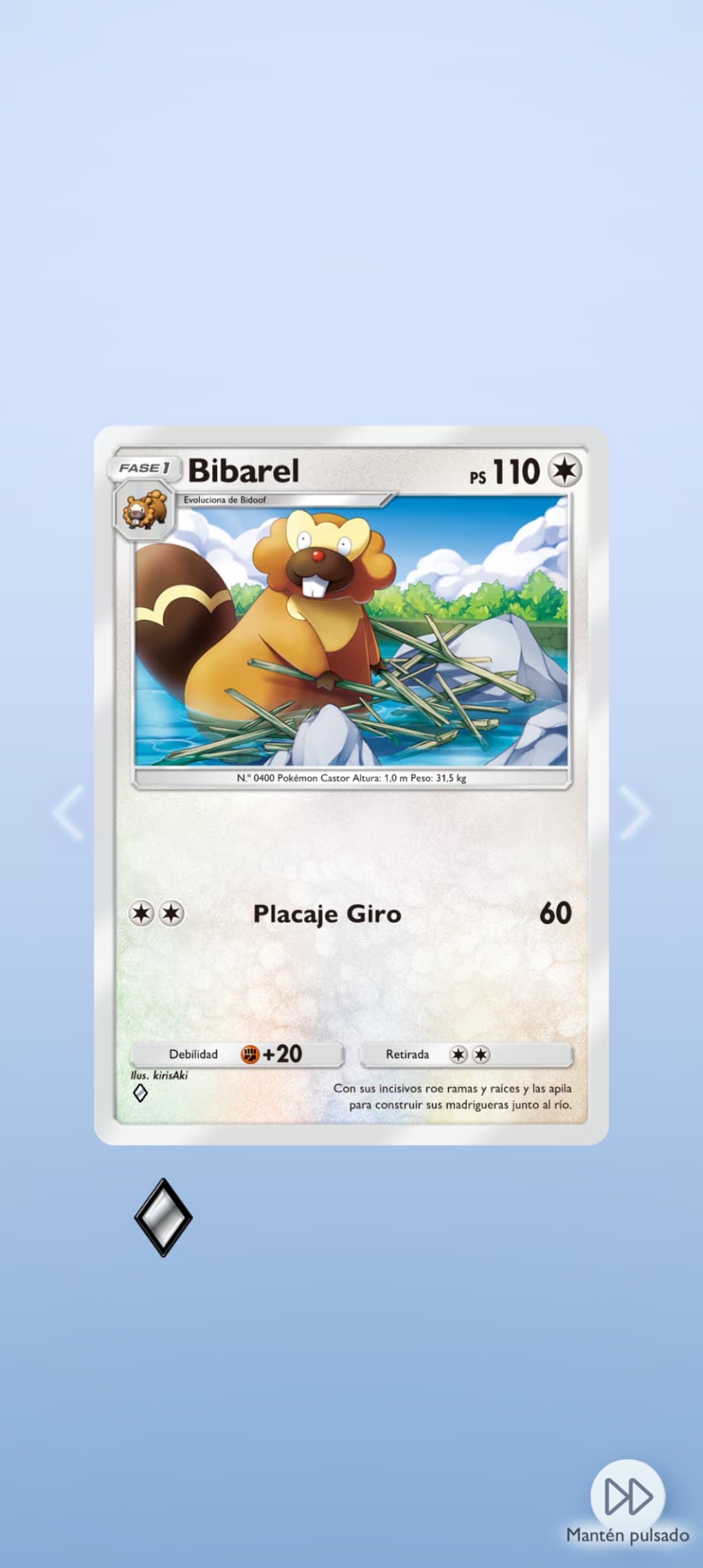
It doesn’t work for me either, and it gives me more than 5 cards.
Now that I think about this,
I suppose that it detects the preview screenshot as well
Can we make it so that it doesn’t?
i’ll check this, it might have to do with someone adding the french versions of the card images, maybe there is some code that still tries to reference to old (non-localized) paths of the cards.
You can follow the status of the issue here: Scan feature references the old non-localized location of the images · Issue #305 · marcelpanse/tcg-pocket-collection-tracker · GitHub
Is the scan not givong the right cards as well? I did check a few and it seemed to be fine; figured it was just an image issue.
I just tried again, and the images seem to work now; thanks.
And my card counts seem to synch up, so I think it’s adding fine.