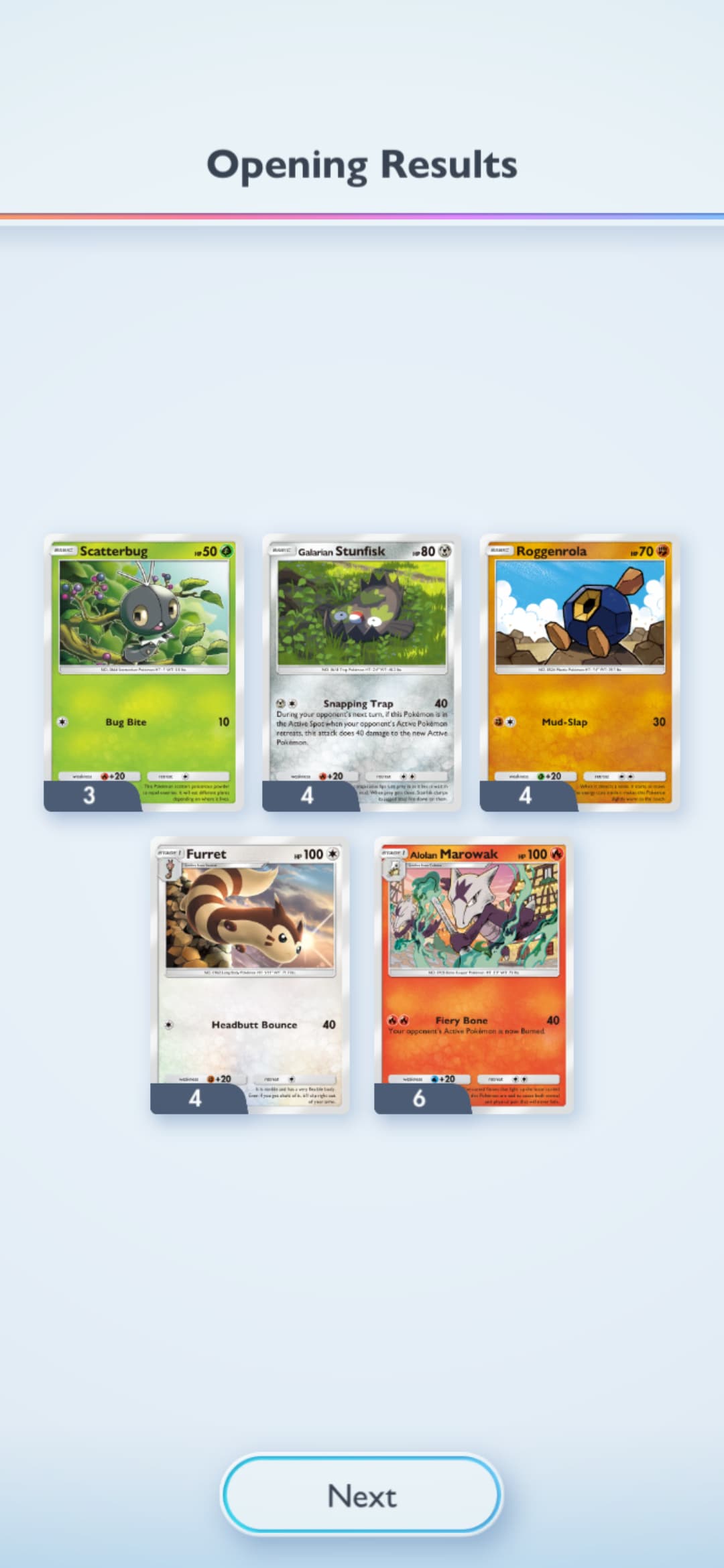
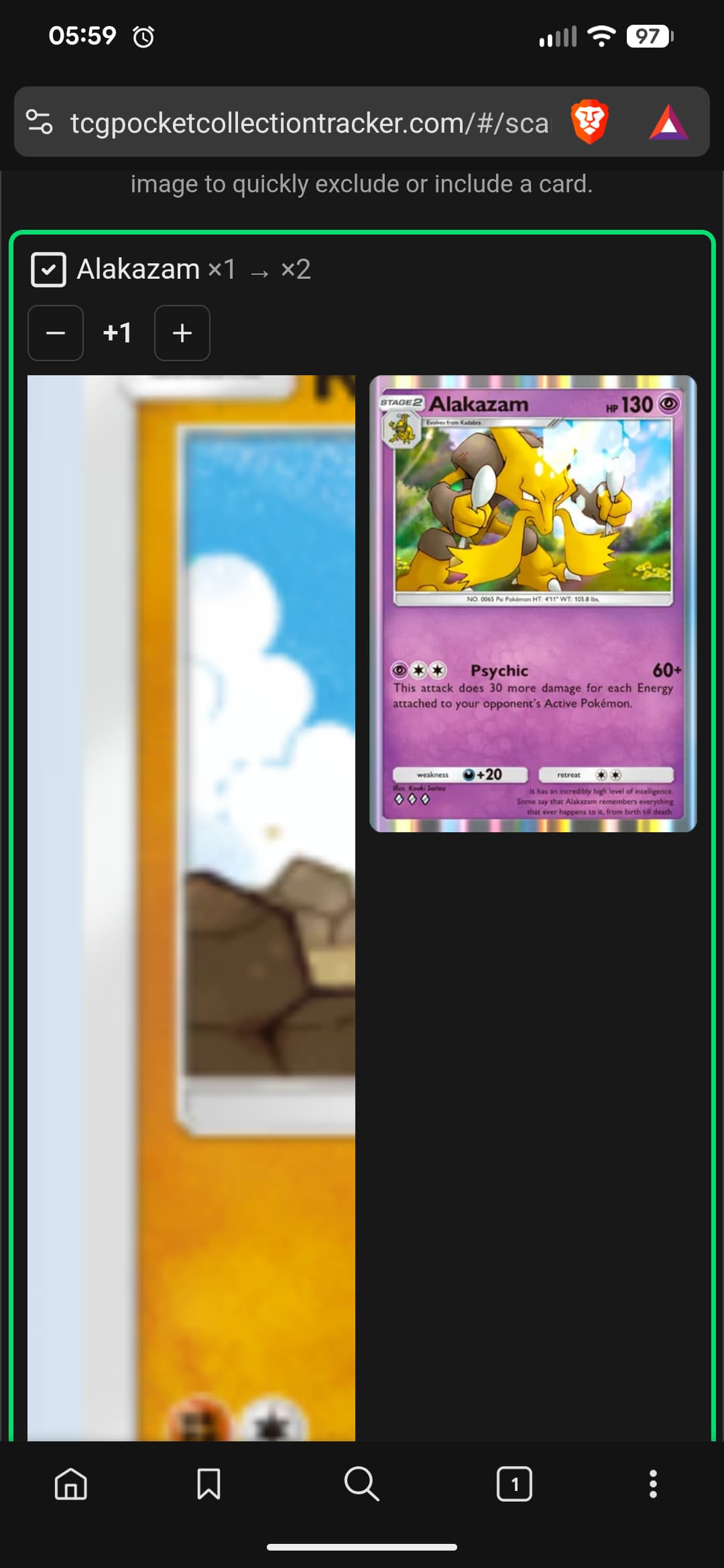
I’ve had this issue for a few weeks now. Anytime I scan from my mobile device, it will show up as only one card per screenshot and it is the wrong card. I’ve done this process on a computer and has worked fine. I did upgrade my device so it could be related to that. I’ve tried multiple browsers and that doesn’t seem to be the issue.
- Fails on all mobile browsers (Brave, Chrome, Firefox)
- I’ve deleted cache, history etc.
- Works on laptop with identical screenshots
- Pixel 7 Pro specific (or at least Android/mobile specific)
- Behavior: zooms into one card area instead of scanning all five, the card is also an incorrect identification.
Thats really odd. Im paranoid enough to think its an app or extension installed on the pixel 7 pro thats got a transparent overlay recording your front screen (ad blocking or some such prolly). Try a locked down webview app? Idk what Google OS’ have for safeboot or debugging. You could always create a restore point and factory reset a few times, see if that helps.
Thank you for the additional things to check. I checked overlay permissions, tried a locked-down webview app, and ran in safe mode to disable 3rd-party apps. The issue still persists. It seems there is something interfering at a system level specific to the Pixel 7 Pro. Troubleshooting is becoming more time-consuming than just downloading screenshots from my laptop and scanning them there.
When I have time I will attempt the restore point and factory reset. I did do a backup transfer from my older phone (pixel 4), so there may be something in that transfer that is impacting the scanning function.