I just wanted to know if there was a guide for how to export your data on the excel trackers so that it’s a valid format for the website tracker?
I tried just downloading the CSV of one of the sheets (like genetic Apex) and dropping it in, but doing some debugging of the code, it looks like it doesn’t match up to the row ID’s and data correctly doing this.
Any help on this would be great – happy to help make a PR to help with this too (or to provide better user help when using this feature)
Just to add to this thread – I’ve also tried just importing a CSV with the Id and AmountOwned keys (as that’s what it looks like this function is looking for in the code).
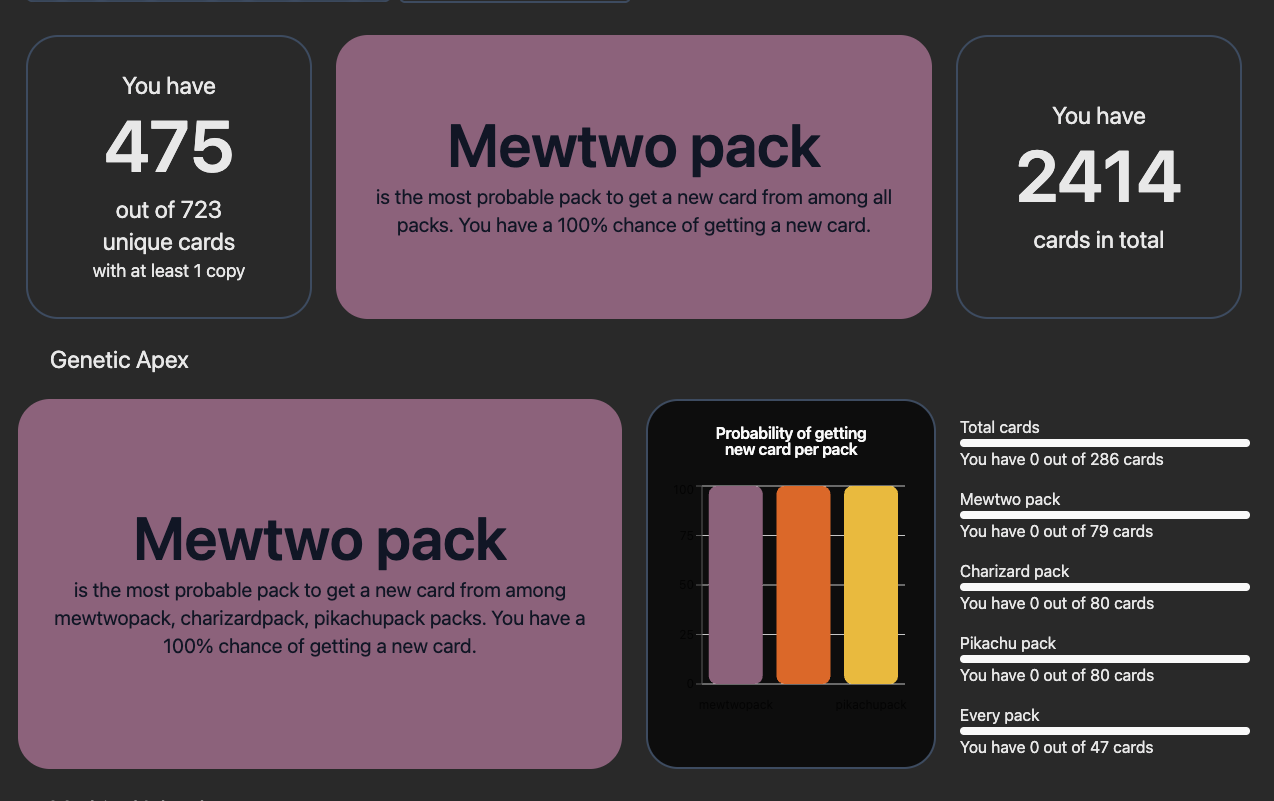
The overall amount of cards tracked is now updating correctly, but for some reason the amount collected per pack is still showing 0 (if you see Total cards in the sidebar). Here’s a screenshot.
What is the format for importing the pokemon tcg pocket spreadsheet organizer into this website? I tried using just the ID of the pokemon and the number or ID, name, and number but the website says that the import fails.