Hey everyone,
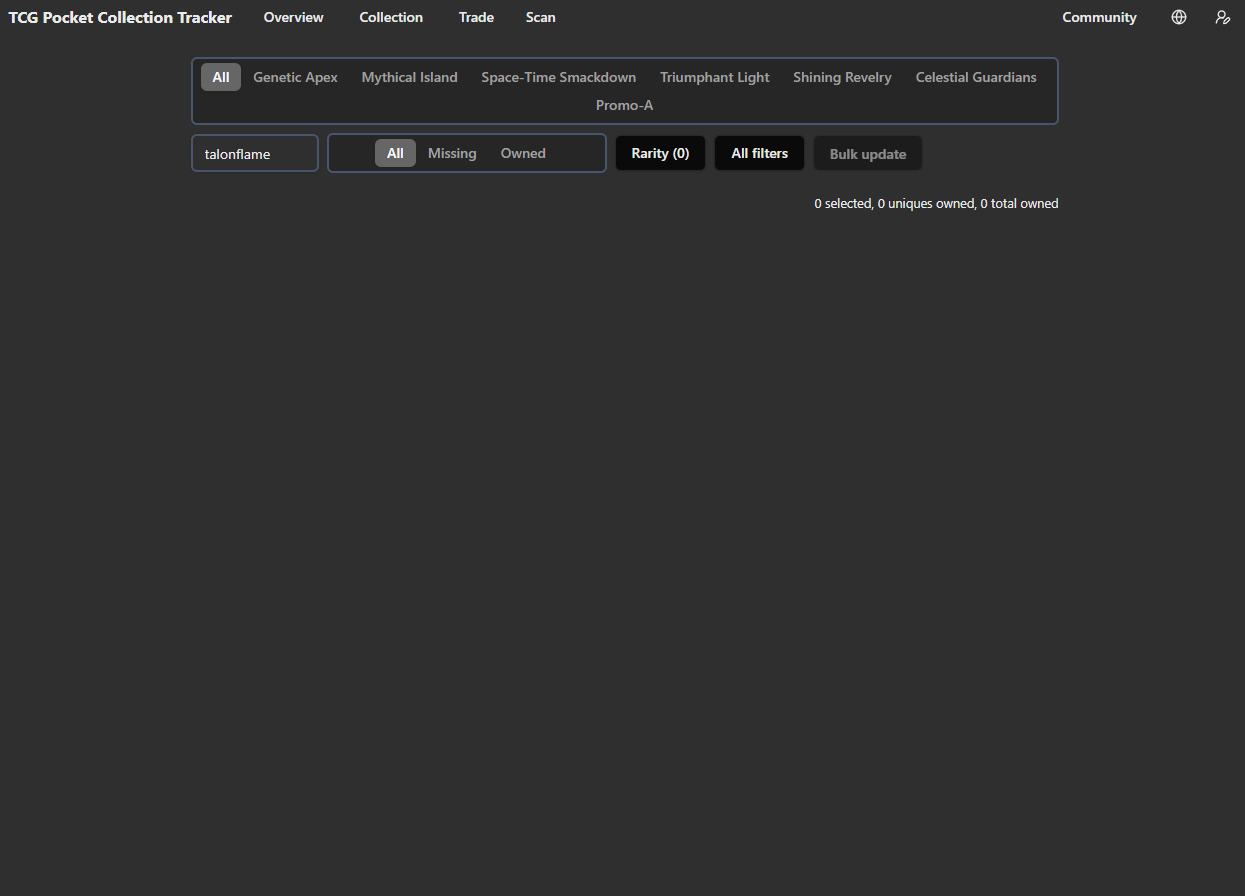
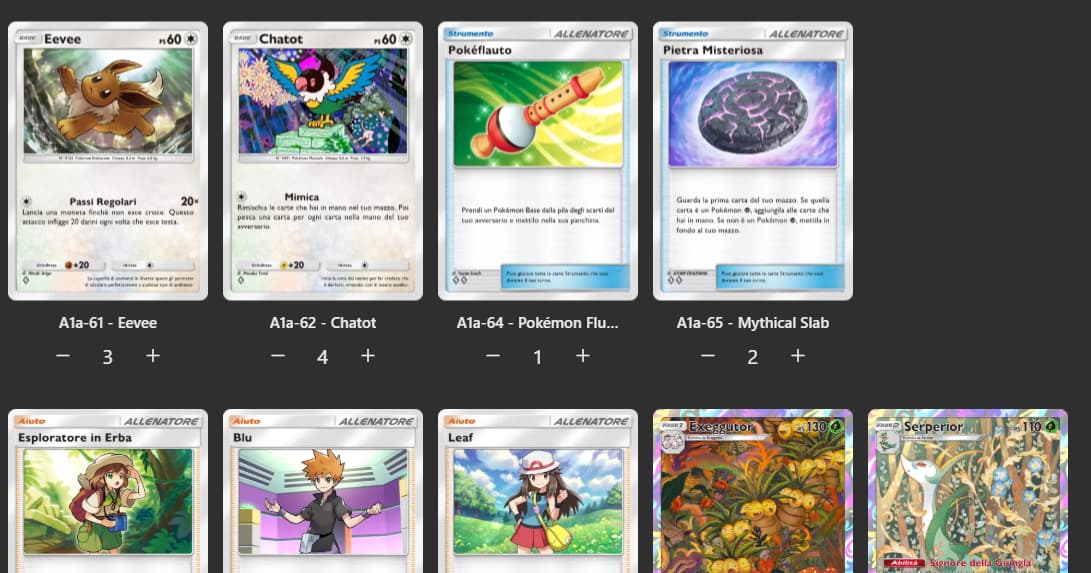
I wanted to bring attention to a potentially significant bug affecting card tracking. Multiple users are reporting missing cards from our collections within the tracker. This isn’t a case of misrecognition; rather, specific cards seem to be entirely absent from our lists.
It’s important to note that the missing cards vary from user to user. It’s not one particular card that’s universally missing. The number of missing cards also differs. This suggests a more complex issue than a simple database error for a single card.
To illustrate, here are a couple of examples already reported:
- User A: As seen in this thread: [Missing Eevee Card (Triumphant Light)] - reports the A2a-62 card missing. You can see the screenshot they provided.
- User B: This thread: [Shiny pachirisu and riolu missing from Shining Revelry] - indicates several cards from Shining Revelry are absent from their collection view.
Interestingly, some users have noted that clearing the cache does not resolves the issue, and others mention that the missing cards persist across both the mobile and desktop versions of the tracker. However, the last user in the second thread mentioned that the cards do appear when they are logged out.
This inconsistency points to a potential problem with user data loading or filtering within the application.
If you are experiencing a similar issue with missing cards, please contribute to this thread! Providing the following information would be extremely helpful for the developers:
- Specific card(s) missing: List the exact name and set of the card(s) that are not showing up in your collection.
- Platform: Are you experiencing the issue on mobile, desktop, or both?
- Troubleshooting steps taken: Have you tried clearing the cache, logging out/in, etc.? What were the results?
- Screenshots: If possible, please include screenshots showing the missing cards from your collection view.
The more data we can provide, the better chance the developers have of identifying and fixing this frustrating bug. Thanks for your help, everyone!