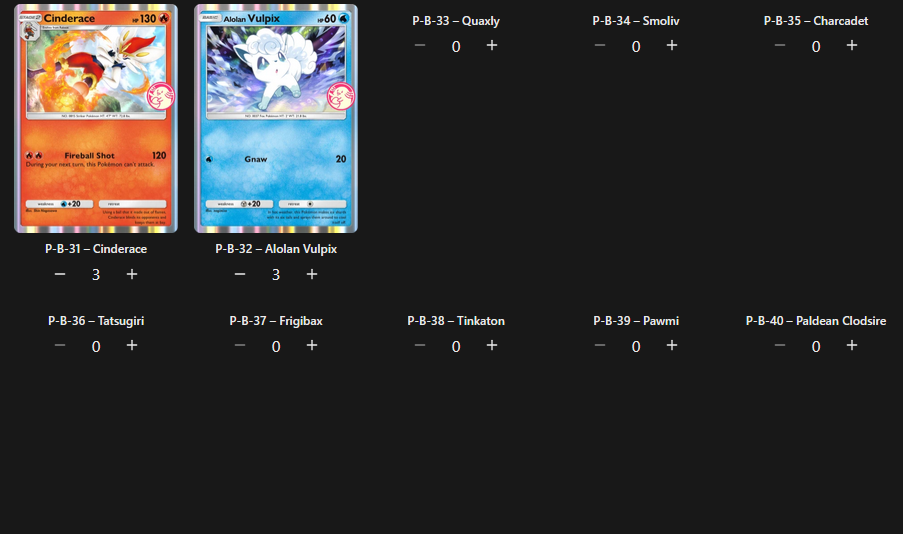
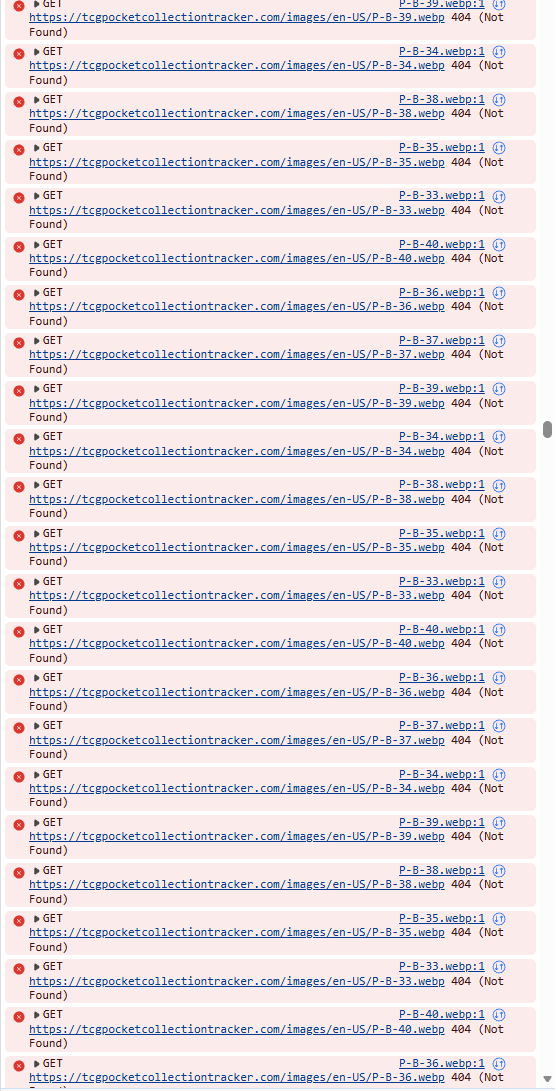
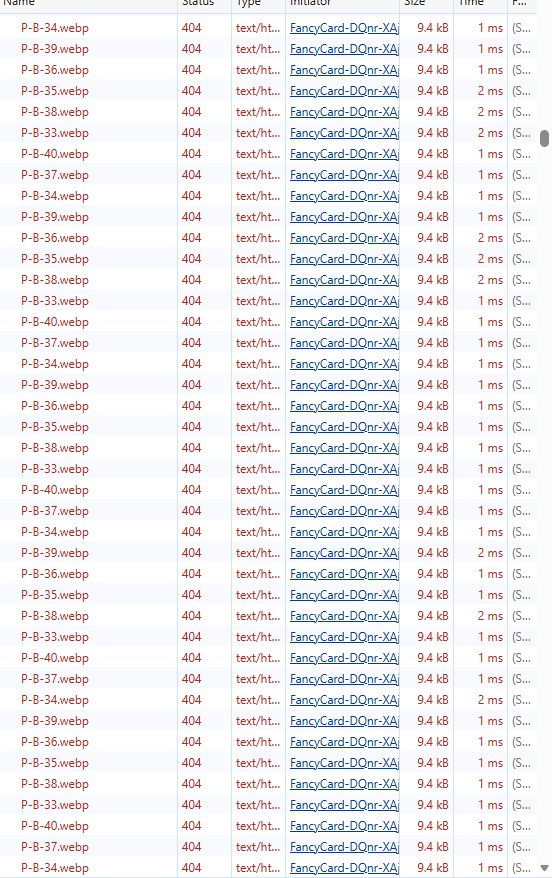
Anyone else have an issue were random pictures for cards are not loading? Looking through network logs they are returning as 404 not found.
Anyone else having this issue and/or how do I fix this.
Anyone else have an issue were random pictures for cards are not loading? Looking through network logs they are returning as 404 not found.
Anyone else having this issue and/or how do I fix this.
I’m having the same issue here. It looks like it’s specifically the new promo cards (P-B-33 to P-B-40). Everything else looks okay, maybe the art hasn’t been added yet or isn’t mapped correctly. Either way, I don’t think it’s something you can fix on your own.
I thought it was just new promo cards as well but, I was looking through old sets to trade with a friend and noticed the Froakie from Mega Rising (B1-71) was also missing.
That one does show up for me.
Should be working now
It still doesn’t work for me
Try force reloading (Ctrl+Shift+R)
(Ctrl + Shift + R) works temporarily, but the issue happens again every time the page is refreshed (whether that means refreshing the page, closing then reopening, or coming back to the page after a long time). Is there not a permanent fix for this issue?
Can you share more details? The arts were added long time ago so this has to be some different issue.
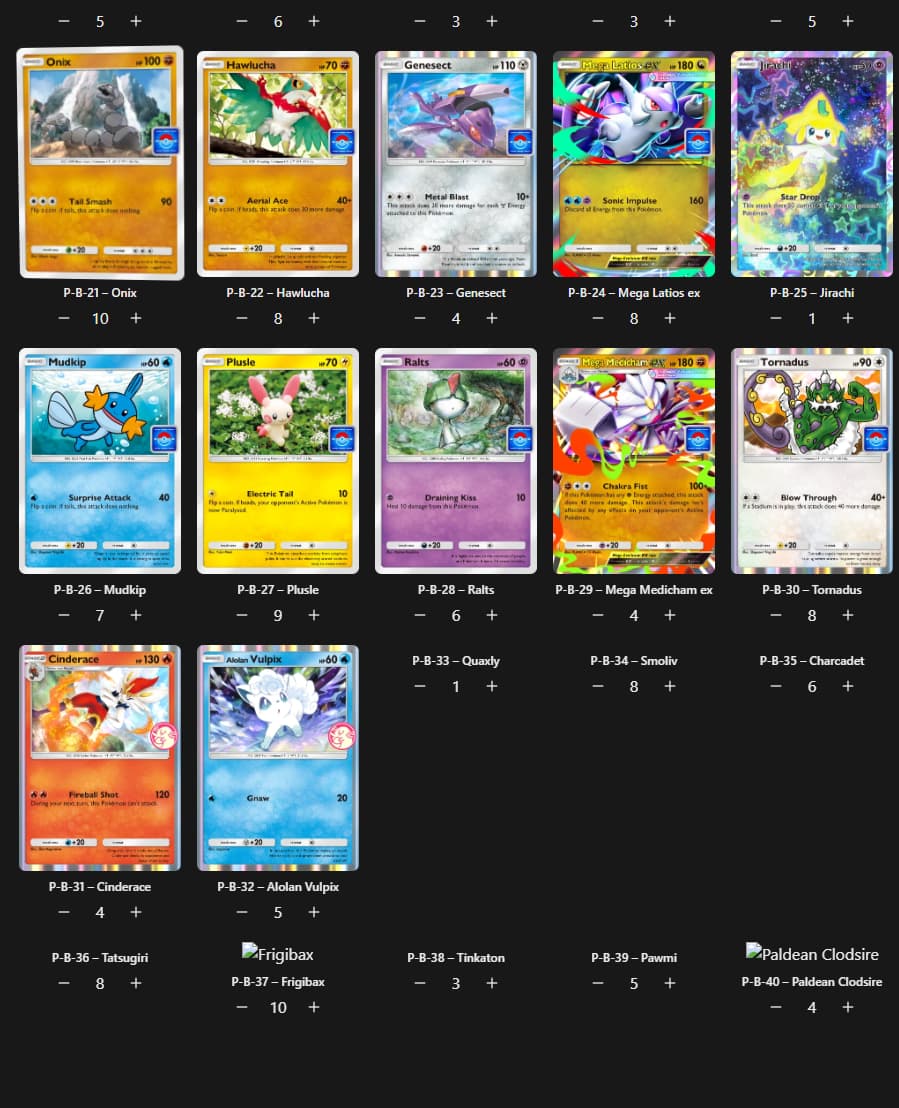
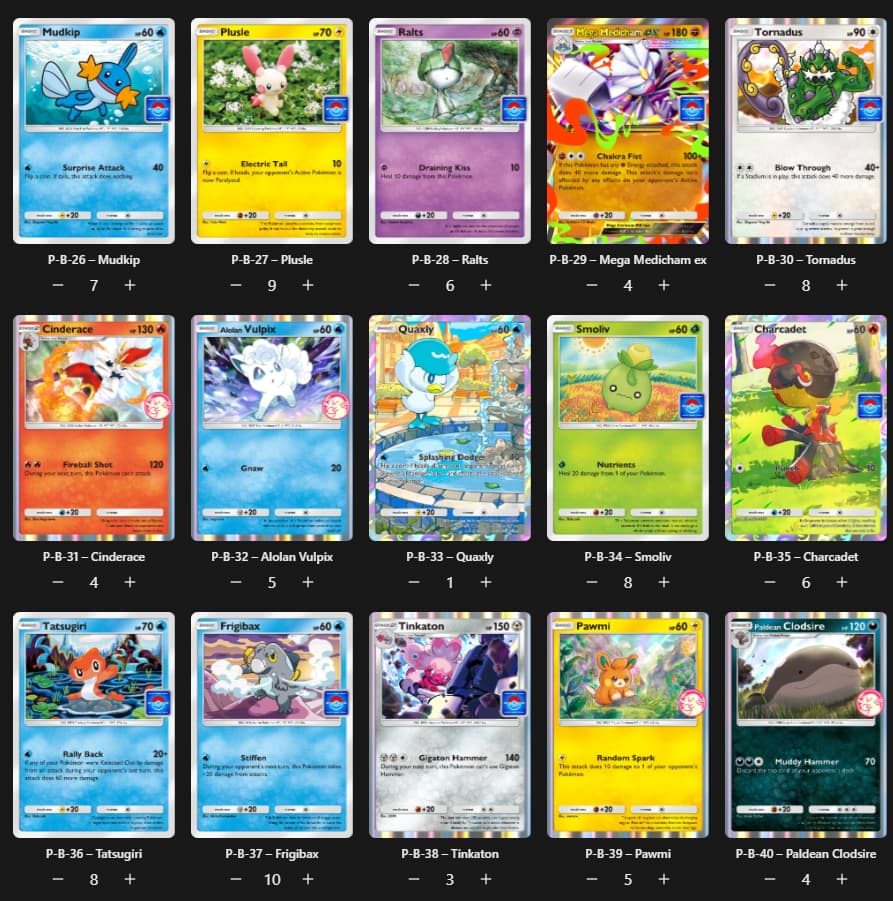
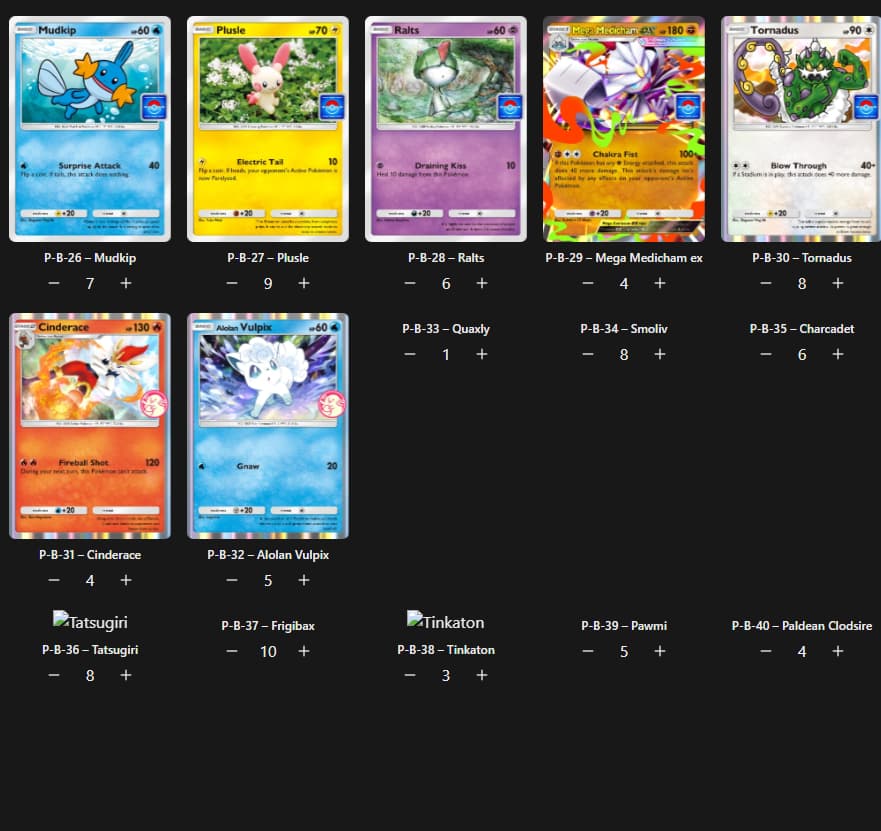
Newly refreshed page:
After (Ctrl + Shift + R):
Refreshed the page again (or after opening back up after closing or coming back to it after a while):
I can’t be the only one still having this issue, can I? This is the only block of cards that are broken like this.
Can you share the network requests page? Is there any reason included why the requests for the images fail?
I’m not an expert when it comes to this kind of stuff, but I opened the developer tools and this is what I found:
It’s a never-ending chain of errors seemingly affecting only the cards I’m having issues with.
Does it happen in the incognito mode?
I just tried incognito mode, and the error does not happen. The card arts display as they should. And this is where the error is still happening on my non-incognito window.
I am having the same issue here.
Same here as well. Those cards don’t show, but the key command makes them show. The next time I visit the page, they aren’t loaded again.
Looks like the browser has some weird caching behavior. Can you try clearing all site data from the browser (look or “cache”)?
Like Greg said it seems to be a weird caching issue.
Make sure you know your email linked to your collection before clearing all site data. The fix for me on Firefox is open history, righ-click the site and select “Forget about this site” Then just log back in.
I just deleted all my browser data and I can confirm that this does fix the issue.